Sign In
Card Identification Scanner
Grader Credits
—
Sign in to check
ID Scanner Credits
—
Sign in to check
Buy Grader Credits
Buy ID Scanner Credits
💡 Pro includes 15 Grader + 30 ID scans/mo & 10% off top-ups. Paid credits never expire.
📬 Price Drop Alerts
Get CardResell updates
Tips, new features, and market alerts — no spam, unsubscribe anytime.
Sell smarter · 15 venues · one net-payout number

Find where your card pays you the most — after fees.

Same card, side-by-side net-payout ranking across 15 sell venues after 2026 fees, shipping, and cash-out rules. eBay + TCGplayer free. Pro adds Whatnot, Poshmark, Mercari, Mana Pool, Cardsphere, Cardmarket & CardNexus. Pro Max unlocks COMC, Fanatics Collect, Card Kingdom, CoolStuffInc, SCG & TCG Bulk.
New here? →
✓ Scanner can't ID your card? Credit refunds instantly — automatic or one-tap. Details
⭐ Unlock 13 more marketplaces — 7 with Pro, 6 more with Pro Max — Pro adds Poshmark, Whatnot, Mercari, Cardmarket, CardNexus (+ Mana Pool & Cardsphere for MTG). Pro Max adds COMC, Fanatics Collect, Card Kingdom, CoolStuffInc, SCG & TCG Bulk.
Pro — $9.99/mo · Cancel anytime
Find where to sell for maximum profit
Search any Pokémon, Magic, Yu-Gi-Oh, Lorcana or One Piece card — see exact fees & payouts across every platform.
💰
Side-by-side payout comparison
eBay, TCGplayer, Whatnot & more — after fees
📈
eBay sold comps
Recent completed sales when eBay serves them — one tap straight to eBay when it doesn't
🏅
Grading ROI calculator
Is it worth sending to PSA? See the math instantly
📦
Track flips & your collection
P&L dashboard + portfolio value — free
✓ 100% free to use
No account needed to search
Total Profit
$0.00
0 completed flips
Best Flip
—
—
Portfolio Value
$0.00
0 cards held
Unrealized Gain
$0.00
vs. cost basis
Flip Log
Portfolio — Cards I Own
Cards you bought but haven't sold yet
🏅 Grading Log
Cards sent for grading — track ROI vs. selling raw
📷
Card Identification Scanner
Take a photo of any card — our AI identifies it instantly and pulls live market prices for Pokémon, Magic, Yu-Gi-Oh!, Lorcana & One Piece. Sports cards too — scan one and pick your exact parallel for a graded guide price.
Tip: remove reflective sleeves — glare hides the card number.
Buy ID Scanner Credits
Card name · Set · Live prices
from $1.00
⭐ Get Pro — 15 grade + 30 ID scans/mo
+ Full fee breakdown & unlimited flip tracking
$9.99/mo
🏅
How do you want it graded?
Grade estimates are only as good as the photos. Deep Grade sees corners and edges — the two things that most often bust a Quick estimate.
RECOMMENDED
🔍 Deep Grade
4–6 photos · front, back + 2–4 edges
Measures centering · inspects each corner · sees edge dings Quick misses · CV-verified pillars
Use before submitting to PSA / BGS / CGC
2 credits
⚡ Quick Grade
2 photos · front + back only
Fast look for raw cards you already know are clean — skips corner + edge inspection
1 credit
📸
How to take a great grading photo
Follow these and the AI can see the same defects a real grader would. It's a screening tool, not a PSA replacement — see our accuracy log.
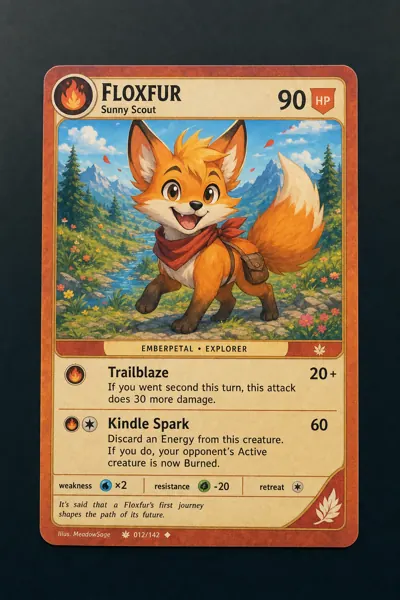
Good example: bright even light on a card
DO
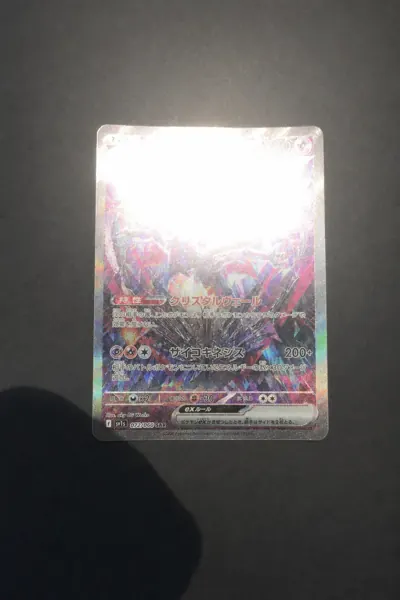
Bad example: glare hotspot and finger shadow on a card
DON'T
💡
Bright, even, indirect light
Near a window during the day is ideal. Kill glare hotspots and finger shadows.
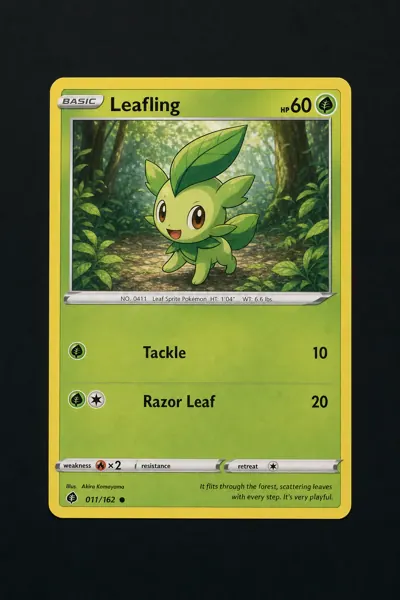
Good example: raw card outside any sleeve or holder
DO
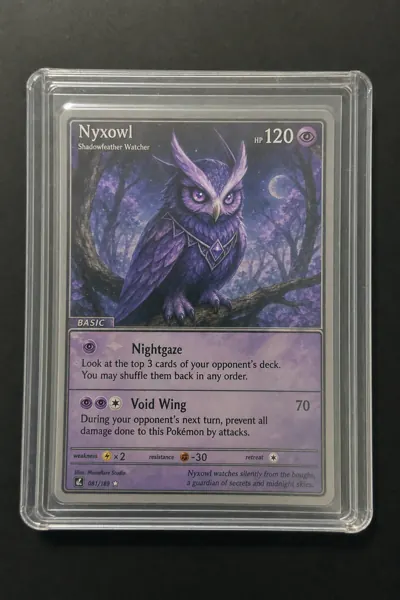
Bad example: card inside a plastic sleeve and toploader
DON'T
📤
Remove sleeves, toploaders, and slabs
Plastic reflects light and hides flaws. Take the bare card out — you can put it back after.
Good example: card fills the frame and is aligned straight
DO
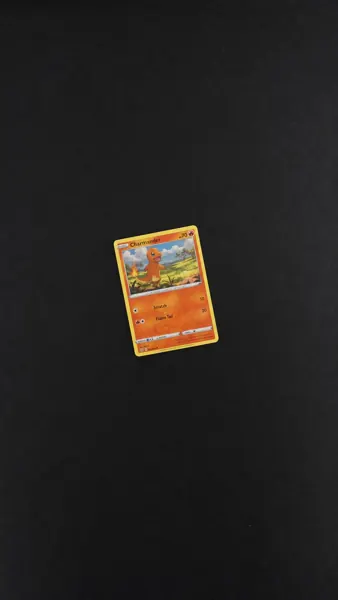
Bad example: card tilted and too small in the frame
DON'T
🎯
Fill the frame, aligned straight
Card edges close to the photo edges, held parallel — not tilted.
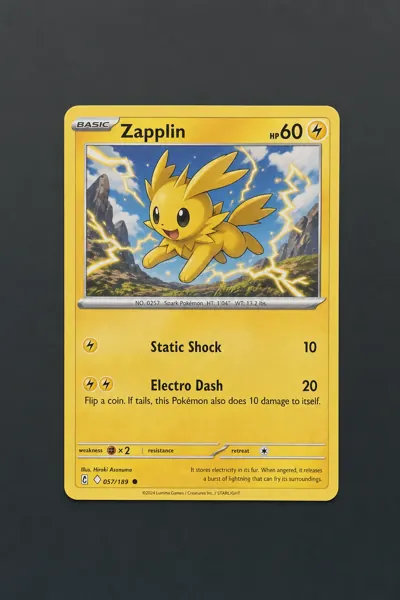
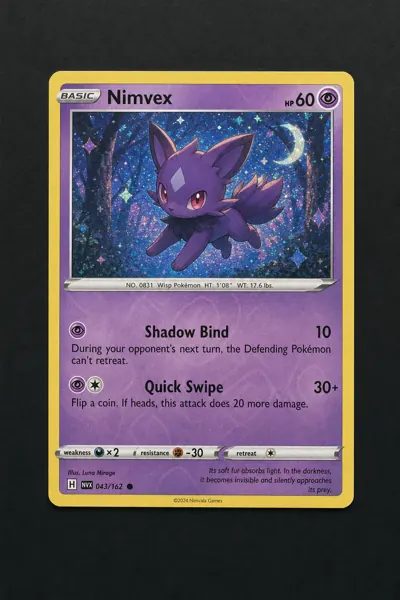
Good example: card on a plain dark background
DO
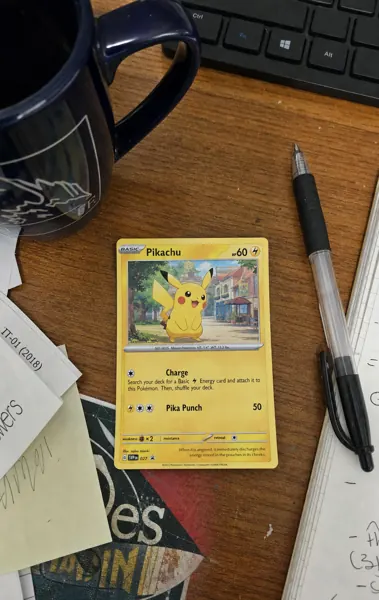
Bad example: card on a cluttered desk with mug, keyboard, and papers
DON'T
🧼
Plain, uniform background
Solid dark surface. No clutter, no wood grain, no fabric.
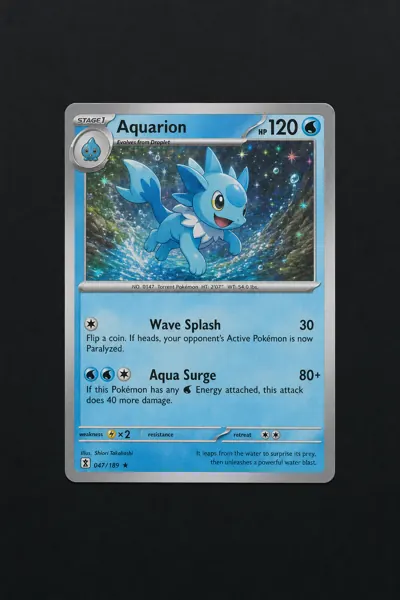
Good example: tack-sharp card photo with fine detail
DO
Bad example: blurry out-of-focus card photo
DON'T
🔍
Tack-sharp focus, no motion blur
Tap to focus, hold steady, count "one" before releasing. Blurry photos hide the flaws that decide the grade.
The 6 photos Deep Grade needs
Front, back, and each of the four edges close-up. Here's what each should look like:
Reference: card front, centered and filling frame 1
Front
Reference: card back, centered and filling frame 2
Back
Reference: top edge of card in sharp macro focus 3
Top edge
Reference: bottom edge of card in sharp macro focus 4
Bottom edge
Reference: left edge of card in sharp macro focus 5
Left edge
Reference: right edge of card in sharp macro focus 6
Right edge
Quick Grade only needs #1 & #2. Deep Grade uses all 6 for corner + edge inspection.